

.com vs .net differences in domain extensions
Which is Preferred – .com vs .net? The .com and .net domain extensions are well-known, but which one is the best for…
Read More
User Interface Designing
Web Forms Designing Web sites needs careful thinking and a lot of planning. The most important thing is to KNOW YOUR AUDIENCE.
Read More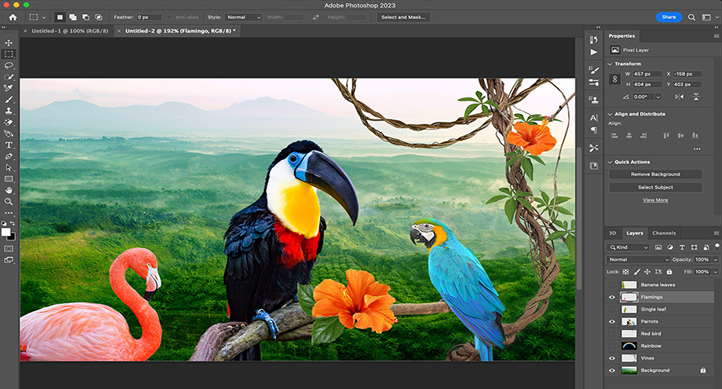
Pixelated Mosaic Edges – Photo Shop
This tutorial will show you a way to easily create a pixelated mosaic-type effect for use on edges or borders or whatever…
Read More
Email Client Setup: Comparing POP vs. IMAP
What is POP and IMAP? POP (Post Office Protocol). This is a method that your email client can use to connect to…
Read MoreEmail Client Setup: Outlook 2010 – Step by Step Walkthrough (IMAP)
You will need your incoming mail server, outgoing mail server, full email address, and your email password. You can find these settings…
Read MoreEmail Client Setup: Outlook 2010 – Step by Step Walkthrough (POP)
You will need your incoming mail server, outgoing mail server, full email address, and your email password. You can find these settings…
Read More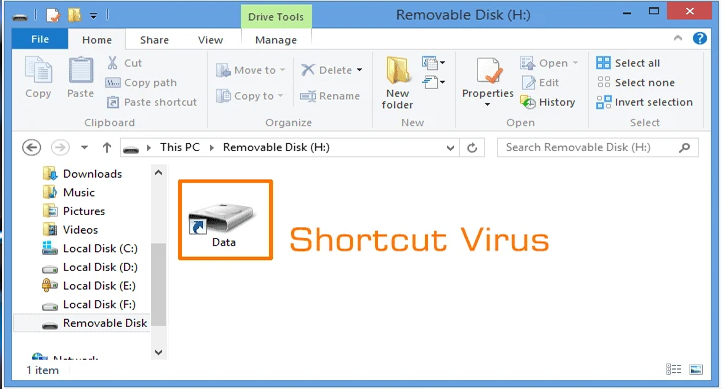
How to remove shortcut virus from USB
When we plug in our memory cards or even mobile phone through USB cable into our windows PC USB port sometimes we…
Read More
How to Install Windows 8
The best way to install Windows 8 is to do a clean install. Before you start the installation check Windows 8 System…
Read More
Are You Ready for HTML 5?
The internet, and the use of the internet, has changed a lot since 1999, when HTML 4.01 became a standard. Today, several…
Read More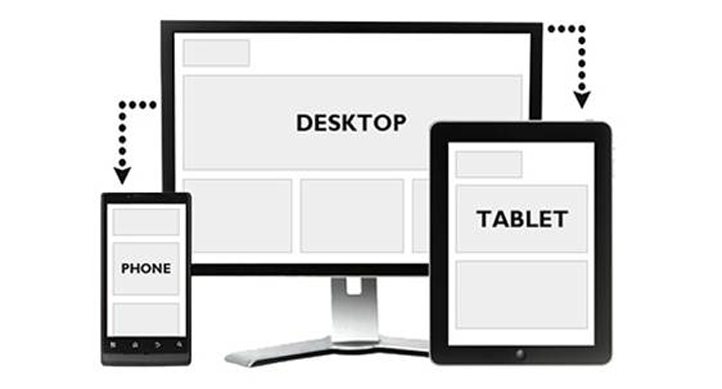
How to redirect your website to its mobile version
If you’ve created a mobile version of your website, you’ll need to be sure that you redirect your mobile visitors to your…
Read More